
IPTV subscription
An IPTV subscription for live TV, films and series from more than forty countries. Set up in minutes, tested free before you pay.
No contract
Why choose our IPTV subscription?
Pricing
IPTV subscription plans
One service, four lengths. Every IPTV subscription carries the same channels, the same quality and the same support. Longer terms simply cost less per month. Nothing renews on its own.
Included on every plan: full programme guide and catch-up, one simultaneous connection, and no automatic renewal.
Streamox in numbers
0K
Live channels
0K
Films and series
0
Countries covered
0
Days of support
Getting started
Setting up your IPTV subscription
1. Pick a length
One, three, six or twelve months. The only difference is the price per month.
2. Receive your details
Your login arrives by email within minutes. Check the spam folder if it is slow, or message us and we will resend it.
3. Open your player
Enter the details in your app and start watching. Our setup guide covers each device, step by step.
Sport and VOD
Live sport, wherever it is being played
Football, Formula 1, boxing, cricket, basketball, tennis and MMA, from domestic leagues to international fixtures. Sports feeds run in HD and 4K, with backup streams on major matches so kick-off does not arrive with a frozen screen.
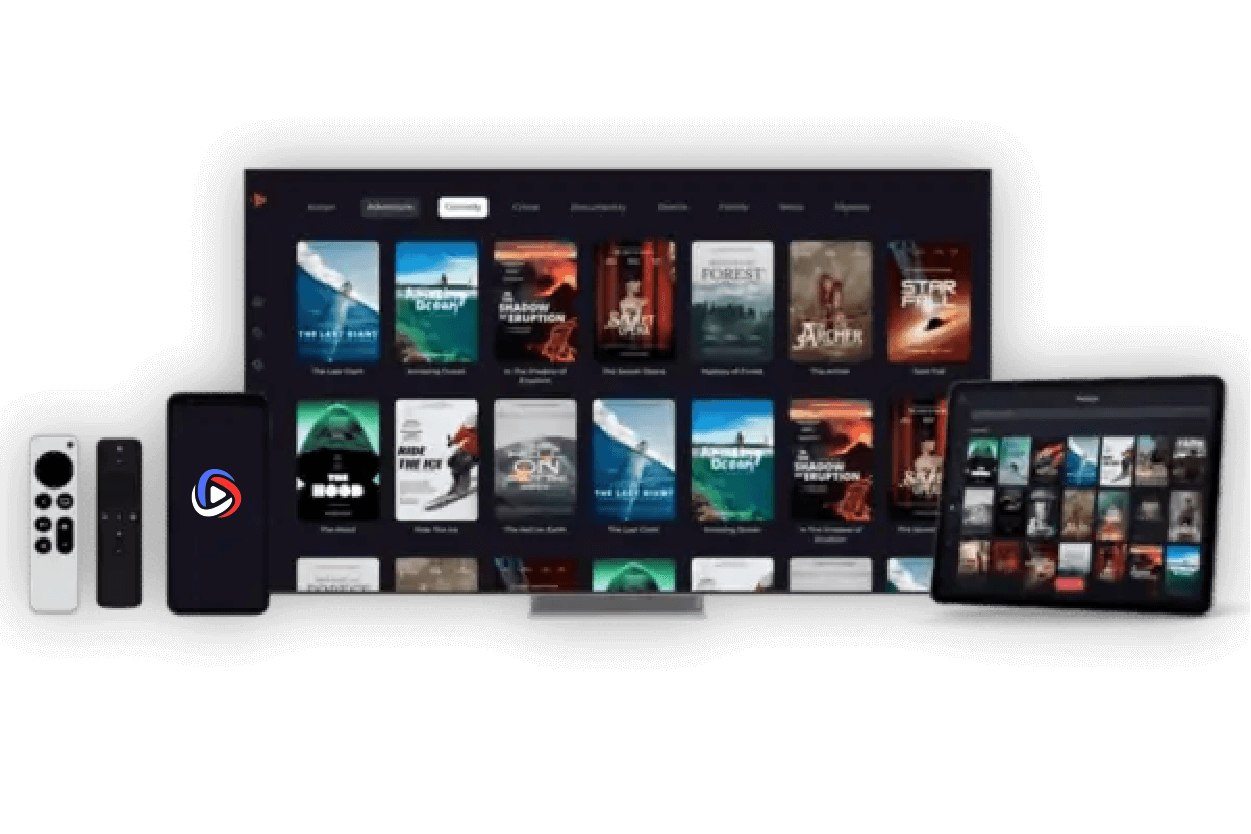
Alongside the live schedule sits a library of more than forty thousand films and series, refreshed weekly and browsable by genre, language or country.
The basics
What an IPTV subscription actually is
IPTV stands for Internet Protocol Television. Rather than arriving through a satellite dish or a cable line, an IPTV subscription delivers channels over your internet connection, the same way a streaming platform does.
Three things follow from that. You are not tied to one broadcaster or one region, so channels from dozens of countries sit in the same list. You need no engineer visit and no set-top box, because the service runs through an app on hardware you already own. And you pay a flat fee for a fixed period instead of signing a contract.
What you need
A stable internet connection and a compatible device. Around 10 Mbps handles HD comfortably; 25 Mbps or more suits 4K. The service runs on Samsung and LG smart TVs, Android TV boxes, Amazon Fire TV Stick, Android and iOS phones and tablets, Windows, Mac and MAG boxes.
How setup works
You install a player app, then either enter the login details we send or share the device ID shown on screen so we can activate it for you. Most people are watching within half an hour of purchase.
Why we ask you to test first
Streaming quality depends on things no provider controls: your connection speed, how your ISP routes traffic, the device in front of you. A free trial shows how the service behaves on your own line and your own hardware, before any money changes hands.
FAQ
IPTV subscription questions
Still unsure? Send us your device model and we will tell you exactly what to expect.
Your IPTV subscription details are sent within minutes of payment clearing. If nothing arrives, check the spam folder first, then message us and we will resend them straight away.
Samsung and LG smart TVs, Android TV boxes, Amazon Fire TV Stick, Android phones and tablets, iPhone and iPad, Windows, Mac and MAG boxes. Send us your model reference and we will confirm before you buy.
Around 10 Mbps is usually enough for HD, and 25 Mbps or more is comfortable for 4K. A wired connection gives the steadiest result, particularly for live sport.
Each subscription covers one simultaneous connection. You can save your details on several devices, but only one streams at a time. Contact us if your household needs more.
Yes. Request one and test the channels and streaming quality on your own device before committing to a plan.
PayPal and major credit and debit cards. If you would prefer another method, get in touch and we will tell you what is available.
No. A plan runs for the period you paid for and stops there. Nothing to cancel, no charge at the end of the term.
Selling IPTV yourself
Sell IPTV subscriptions under your own name, with wholesale pricing, a management panel and technical support behind you.
Try it on your own screen first
Test the channels and the picture quality on your device, at no cost. If it works, pick a plan. If it does not, you have lost nothing.